How to Check If an Image Is AI-Generated: A Practical Guide
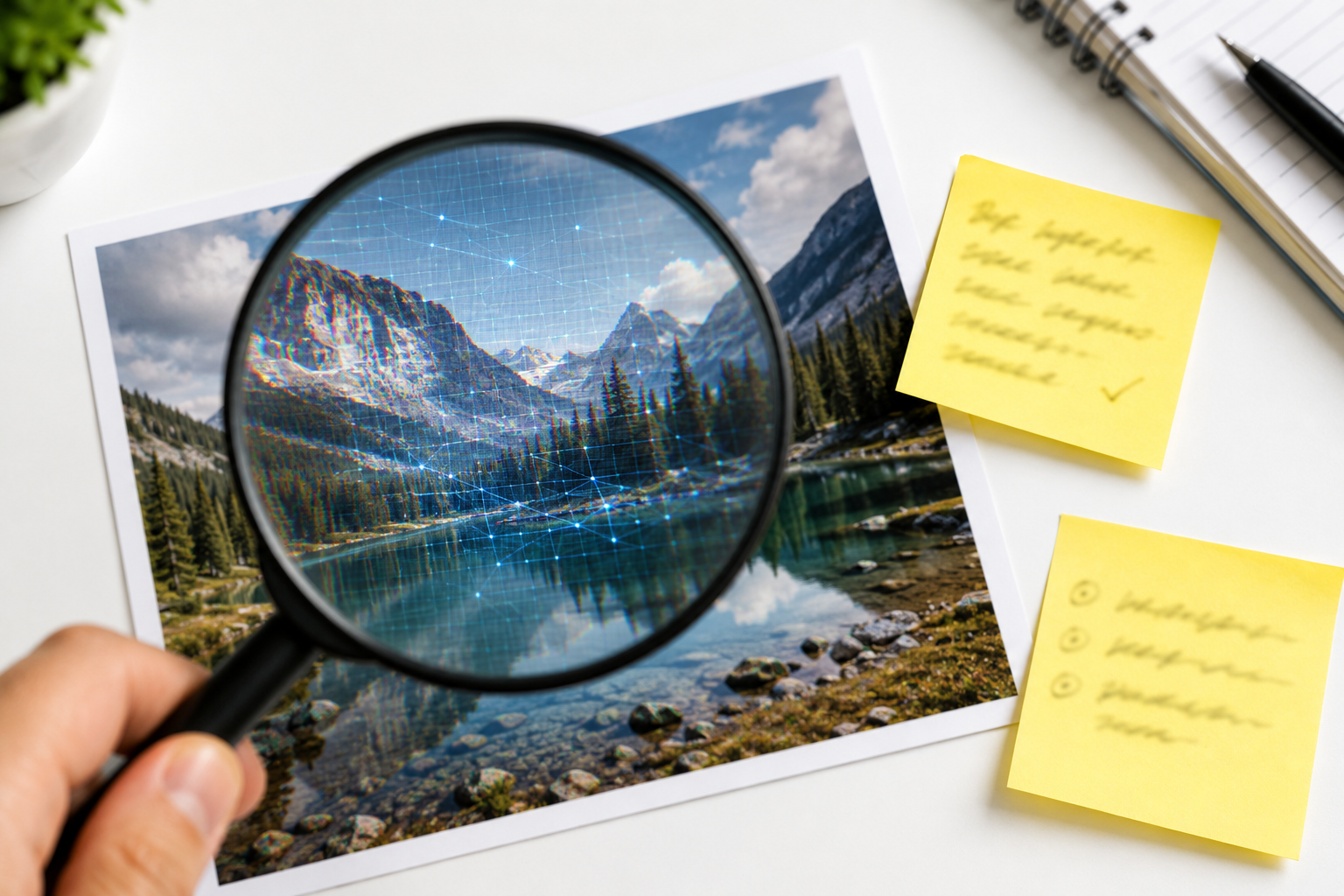
Straight up: AIScorely checks text, not images — the browser-based detection we run on writing doesn't translate to pixels. But "is this photo AI?" is a question we get constantly, and there are genuinely useful ways to answer it without paying anyone. Here's the practical toolkit.
1. Check the content credentials first
The most reliable signal in 2026 isn't visual — it's provenance metadata. Major AI generators and camera makers increasingly attach C2PA Content Credentials, a cryptographic record of how an image was made. Upload the image to the official verify tool at contentcredentials.org: if credentials exist, they'll tell you outright whether AI was involved. Google's images carry SynthID watermarking that its own tools can flag. The caveat: metadata can be stripped by screenshots and re-saves, so its absence proves nothing — but its presence is close to definitive.
2. Reverse image search for a history
Run the picture through Google Lens and TinEye. Real photos usually have a trail — earlier postings, higher-resolution originals, a source publication. An emotionally charged image that appears from nowhere, with no earlier version anywhere on the internet, deserves suspicion. Reverse search also catches the common trick of real photos recaptioned for a fake context, which is far more prevalent than full AI fabrication.
3. The visual inspection checklist
Generators have improved enormously, but they still stumble in predictable places. Zoom in and look at: text in the scene — signs, labels, and logos often melt into plausible gibberish; hands and teeth — better than the six-finger era, but count anyway; symmetry details — mismatched earrings, glasses that merge into hair, uneven pupils; backgrounds — crowds with repeated faces, architecture that connects impossibly, blurred zones that hide what the model couldn't render; physics — reflections and shadows that don't match the light source. One glitch is a hint. Three are a verdict.
None of these methods is individually conclusive, and dedicated AI-image detectors — several exist online — are probabilistic too, with real false-positive rates on heavily edited photos. Treat every method as one input, and stack them.
4. Think about the source, not just the pixels
Who posted it first? Does the account have a history? Do reputable outlets carry the same image? Provenance questions resolve most viral-image mysteries faster than forensics do. The habit worth building is simple: extraordinary image + zero traceable origin = wait before sharing.
And for the text around the image…
AI-generated images rarely travel alone — they arrive wrapped in AI-generated captions, articles, and posts. That part we can check, instantly and free: paste the surrounding text into our AI detector and see the score with every tell highlighted. The full pattern list lives in 12 signs of AI writing.
Paste the text that came with the image — free, unlimited, nothing uploaded.
Check your AI score